Free forever · no account · never deletes your files

All your Sims mods,
finally organized.

A free desktop app that turns your mods folder into a proper library. For The Sims 1, 2, 3, 4 & Medieval, on Windows, macOS and Linux.

Also for other platforms

The Sims Mod Manager showing a Sims 4 mod library with thumbnails, categories and enable/disable toggles

The app dresses up for every game.

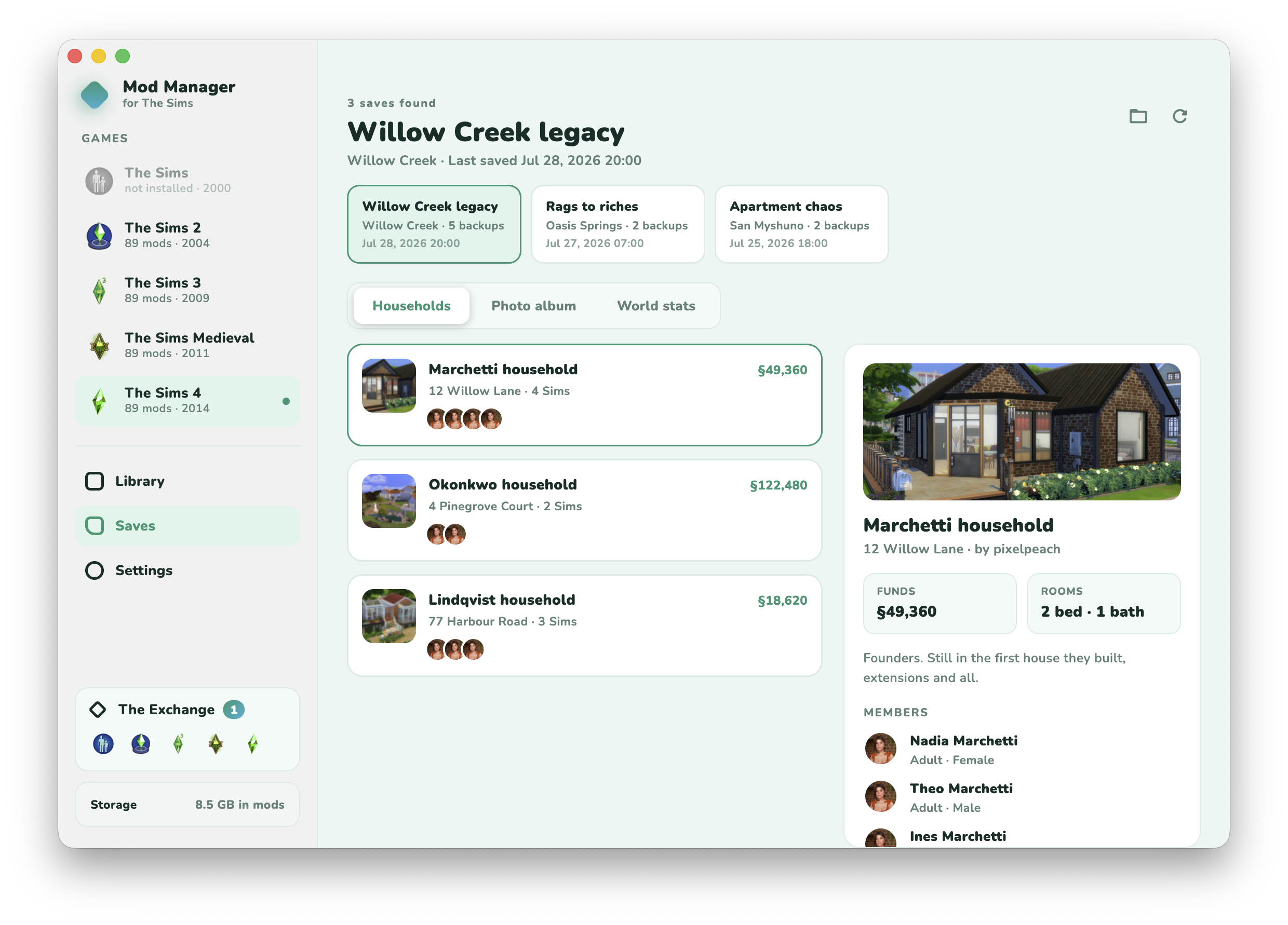
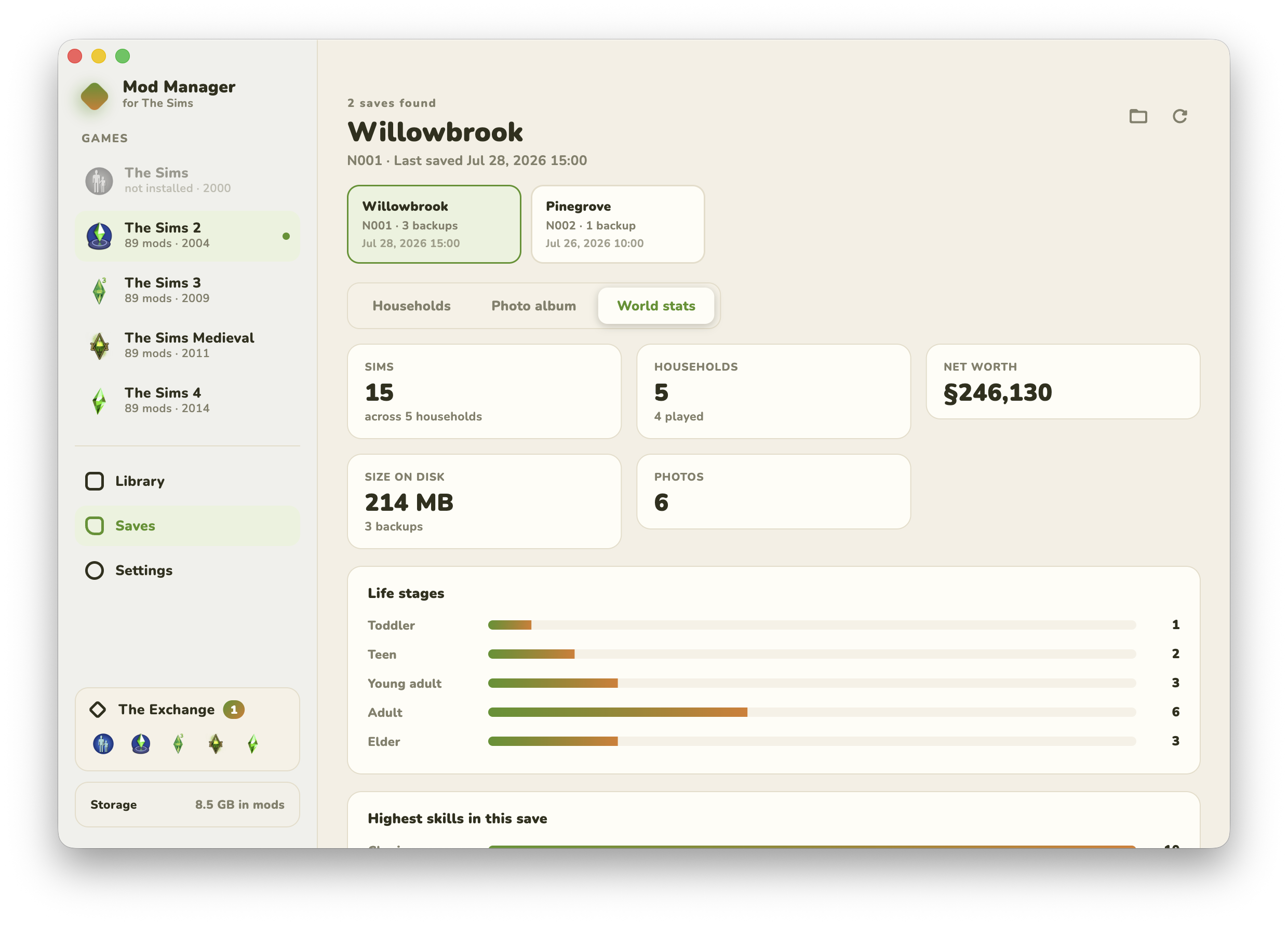
Switch games and the whole interface re-themes: colors, logos, even the classic Sims 1 UI sounds. Try it right here: this page re-themes with it.

The Sims 4 library in the app's default mint. The whole page just re-themed with it.

Everything a mod folder wishes it could do.

Stop renaming files by hand and guessing which download broke your game.

Real thumbnails & insights

The app looks inside your .package files and pulls out the actual artwork, plus a breakdown of what's inside: CAS parts, objects, textures, tuning.

One-click enable / disable

Flip a toggle to turn any mod off without deleting it. The file is safely renamed so the game just skips it; flip it back any time.

Another enabled mod has the same file name

Conflict warnings

Installed the same mod twice, or kept an old version next to the new one? Both get badged. The app also looks inside your packages and flags the ones that override each other's resources, the real reason CC breaks.

mod.zipcc.rarpack.7z

Drag, drop, done

Drop files or whole folders onto the window and they land in the right place. .zip, .rar and .7z downloads are unpacked for you, folder structure kept, readmes and screenshots left out.

Los Sims 3Die Sims 2OneDrive

Finds your folders for you

Localized folder names ("Los Sims 3"), the Ultimate Collection, OneDrive-moved Documents, multiple installs: it finds them, or you can point it anywhere.

Mods folder createdResource.cfg writtenReady to install

Sets up mods folders properly

No mods folder yet? One click creates it with the files the game needs, like the Resource.cfg framework The Sims 3 requires before mods work at all.

Search, filter & stats

Search your whole library, filter by category, switch between grid and list, and watch live totals for enabled, disabled and conflicting mods.

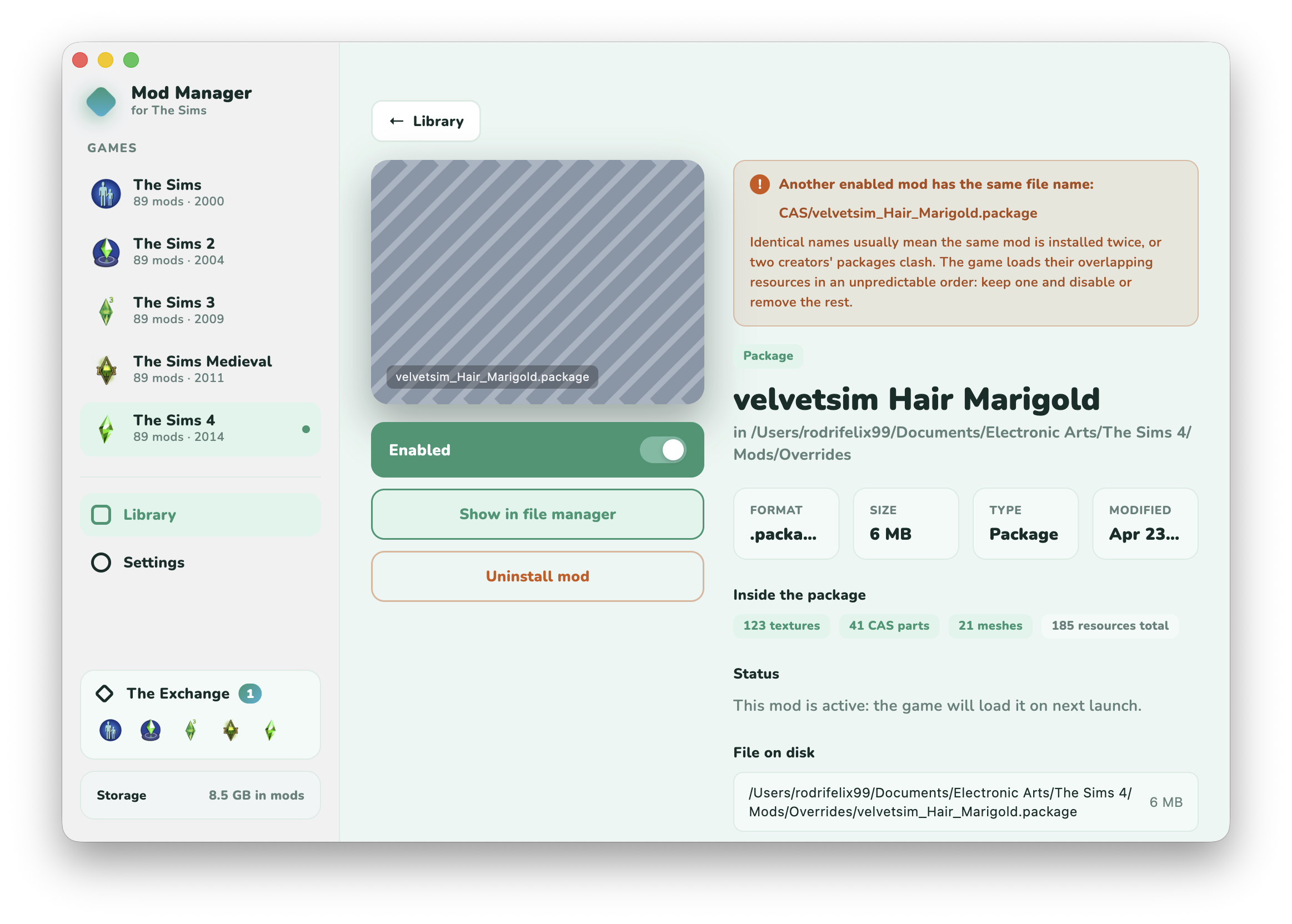
A mod's detail page showing what's inside the package, where the file lives, and a warning that another mod has the same file name
Open any mod to see what's inside it, where it lives, and why it got flagged.

Made a mod? Put it on The Exchange.

The Exchange is the mod shop built into the app. Publish yours in the creator portal and every player can install it with one click, straight from their library.

Open the creator portal
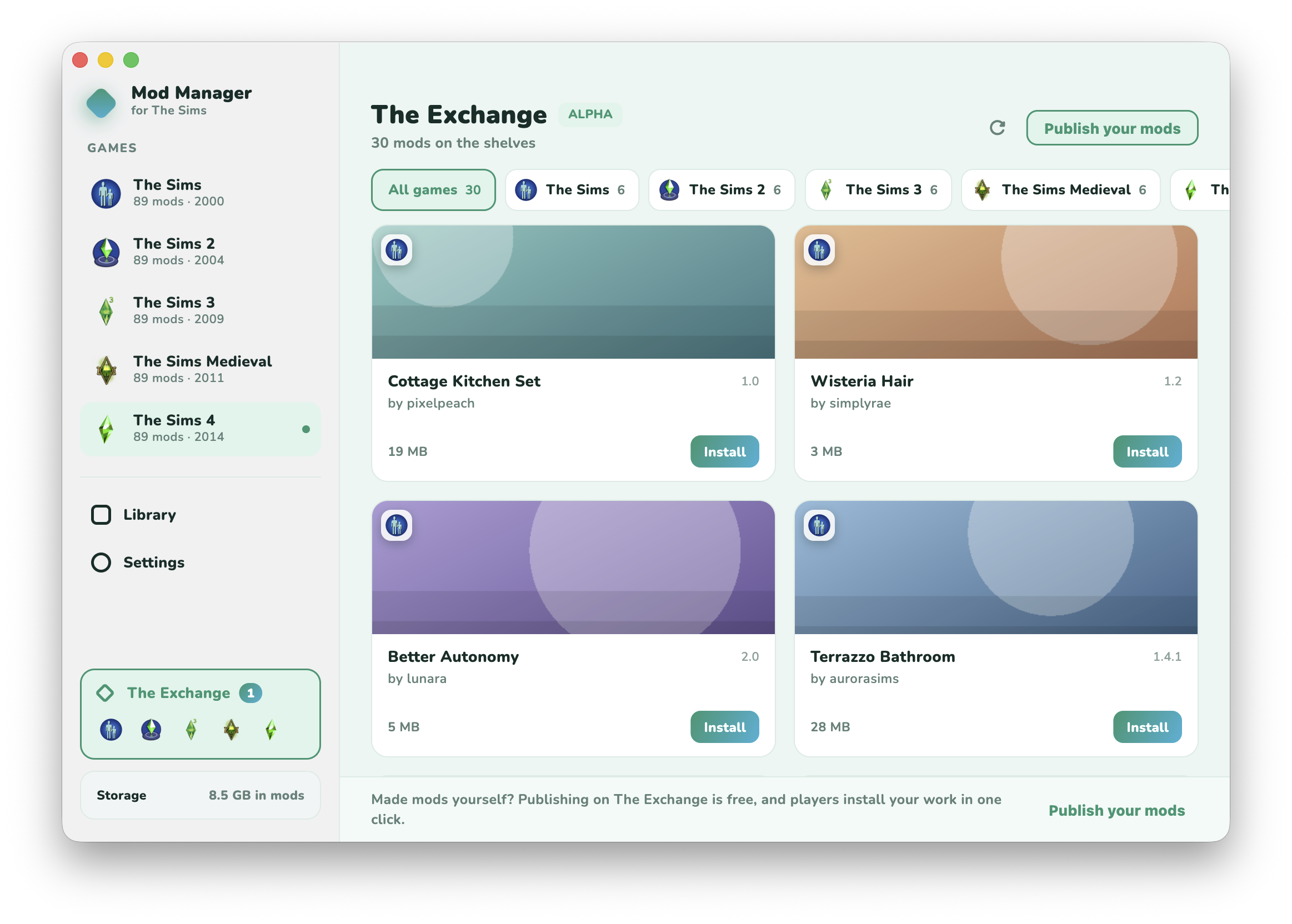
The Exchange inside the app: a row of game filters and mod cards with their cover art, creator, size and an Install button
The shelves are right there in the app. Filter by game, install without leaving it.
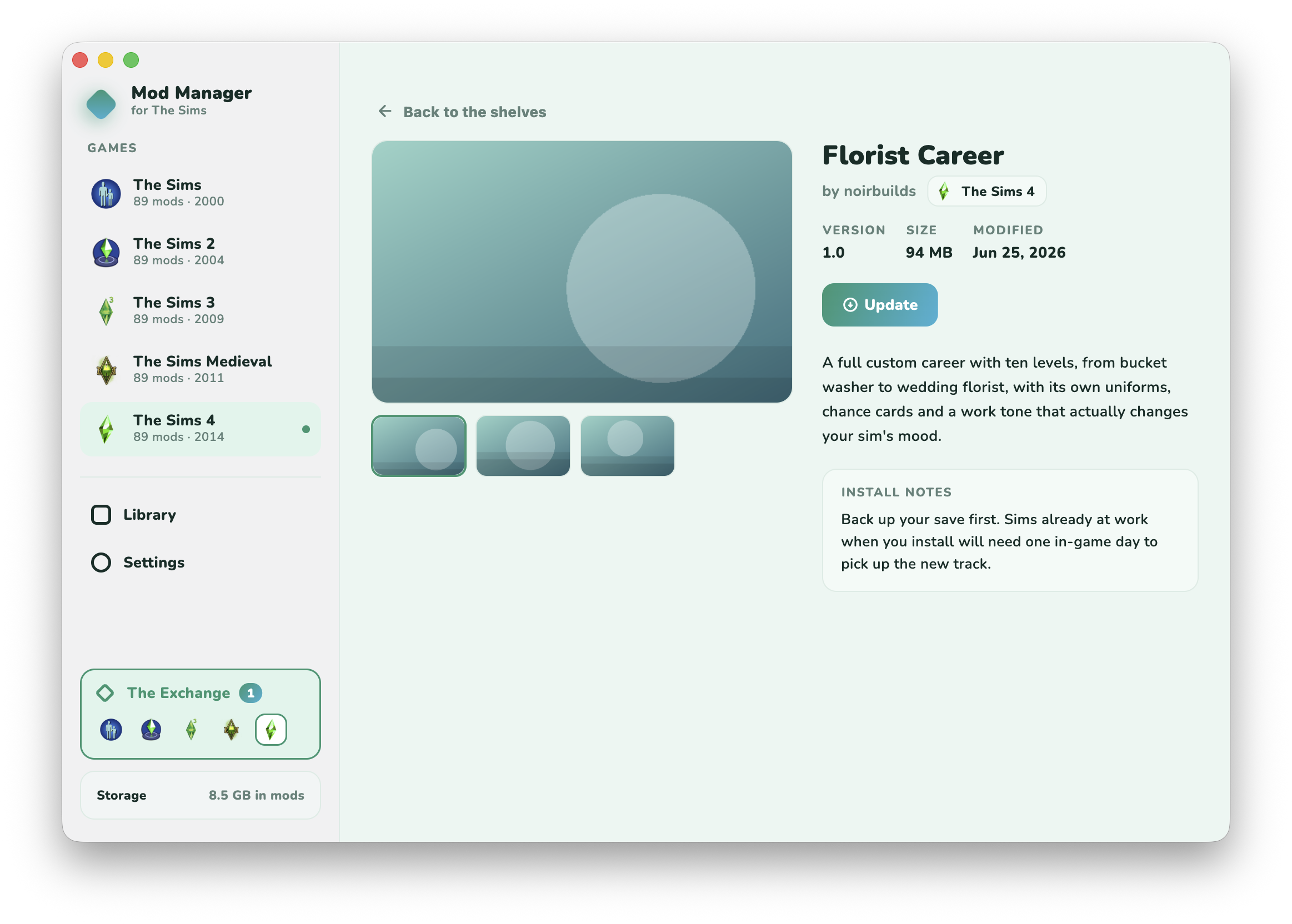
A listing inside the app with its screenshots, version, size, install notes and an Update button
Every listing brings its screenshots and install notes, and turns into an Update button when the creator ships a new version.

Download

Free, with no account and no installer tricks. Pick your platform:

Latest release
Windows

Windows installer

Recommended for most people. Windows SmartScreen may warn because the app isn't code-signed yet; choose More info → Run anyway.

Download .exe
Windows

Windows portable

No install needed. Extract the zip anywhere and run sims_mod_manager.exe.

Download .zip
macOS

macOS

Signed & notarized by Apple. Unzip and drag to Applications, then open like any other app.

Download .zip
Linux

Linux

Extract the archive and run sims_mod_manager. Works with Wine/CrossOver game installs too.

Download .tar.gz

Every version is built automatically for all three platforms, and the app lets you know when an update is out.

Every mainline Sims game. And Medieval.

Each game keeps its mods somewhere different. The app knows where.

The Sims icon
2000

The Sims

Mods live in the install folder's Downloads directory, not in Documents. The app knows the difference.

The Sims 2 icon
2004

The Sims 2

Handles the standard EA Games Documents folder and the Ultimate Collection's own folder name.

The Sims 3 icon
2009

The Sims 3

Needs the Resource.cfg mod framework before any mod loads; the app creates it for you.

The Sims Medieval icon
2011

The Sims Medieval

Mods live in the install folder, not Documents, and need a Resource.cfg; the app sets both up for you.

The Sims 4 icon
2014

The Sims 4

Uses the standard Mods folder. Just remember to enable CC & script mods in the game's options.

Every location is just a smart default; you can point any game at any folder in Settings. SimCity support is on the roadmap, and the app was built so any moddable game can be added.

Questions, answered.

Is it really free?

Yes. The app is free to download and use, and there's no account, no ads, and no "pro" version. If it saves your Saturday, you can buy the developer a coffee, but that's entirely optional.

Can it break my mods or saves?

Disabling a mod only renames the file (adding a .disabled suffix) so the game skips it; nothing is ever deleted, and re-enabling restores the exact original file. Your saves are never touched.

Windows says the app is unrecognized. Is it safe?

The app isn't code-signed yet (certificates are expensive for a free project), so SmartScreen shows a warning on first run. Choose More info → Run anyway. Every download is built and published automatically by GitHub's own servers, so nobody can slip anything into it along the way.

Does it work with the Ultimate Collection / localized games?

Yes. It detects localized user folders ("Los Sims 3", "Die Sims 2"…), the Sims 2 Ultimate Collection, Documents folders moved by OneDrive, and multiple installs of the same game. If all else fails, you can point it at any folder manually.

Where do I report a bug or ask for a feature?

Right inside the app: open Settings → Report a bug (or Suggest a feature) and your app version, OS and current game come prefilled. You can also drop a message on Tumblr.